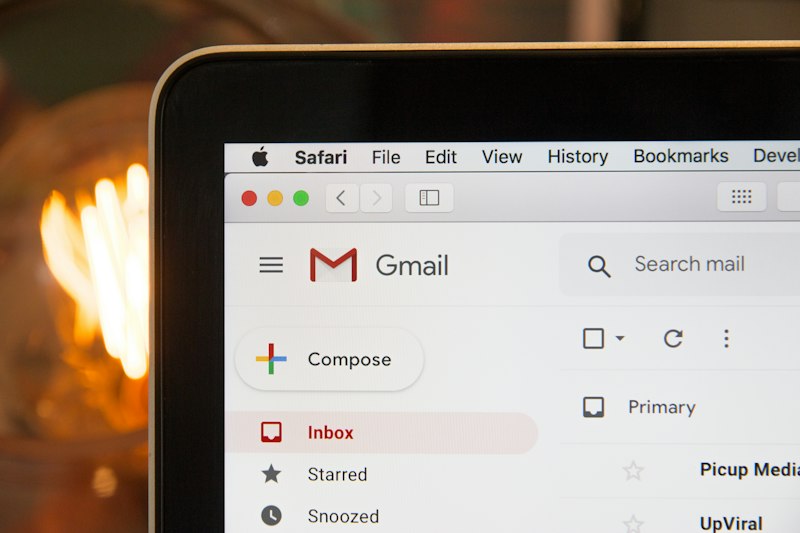
Your inbox looks legitimate. The email is from someone at a company you recognize. The logo is right, the tone is casual, and the link goes somewhere reasonable. You almost clicked it.
That's exactly what they were counting on.
Phishing is one of the most common ways small businesses get hit. That's not because Boise companies are easy targets. It's because phishing attacks have gotten terrifyingly good. The FBI's Internet Crime Complaint Center (IC3) tracks billions of dollars in losses tied to email-based fraud each year, and small businesses take a disproportionate share of the damage. Yours could be next without proper cybersecurity defenses in place.
The good news: phishing is also one of the most preventable threats. You just need to know what to look for and have the right systems in place.
What Phishing Looks Like in 2026
Gone are the days of obvious fake emails from "Nigerian princes." Today's phishing is surgical.
Invoice scams look like legitimate billing notices from a vendor you actually use. Executive impersonation emails appear to come from your CEO or CFO asking you to buy gift cards or wire money. DocuSign and Google Workspace fakes prompt you to "view a document" and log into a convincing copycat page.
What makes these so dangerous for small businesses is the research behind them. Attackers scout LinkedIn, Facebook, and your company website to craft emails that feel familiar. They know your company name, your vendor relationships, even your employees' job titles.
Red Flags You Can't Afford to Miss
The sender's address is slightly off.
Look at the full email address, not just the display name.
[email protected]
is not Apple.
[email protected]
is not Amazon. When in doubt, open a new browser tab and go to the company's site directly.
Urgency and pressure. "Your account will be suspended in 24 hours ! " "Immediate action required ! " Phishing emails create panic because panic makes people stop thinking.
Suspicious attachments.
Never open an attachment you weren't expecting, especially
.zip
,
.exe
, or Office documents. If an email about an invoice arrives out of nowhere, make a phone call to verify.
Mismatched links. Hover over any link before clicking (don't just click it). If the destination URL looks wrong (weird domain, random characters, a long string of numbers), don't touch it.
Requests for sensitive information. No legitimate vendor, bank, or government agency will ask for your password, credit card, or Social Security number over email.
What to Do If Someone Clicks
Time matters. If an employee clicks a bad link:
- Disconnect that machine from the network immediately. Unplug the Ethernet cable or disable Wi-Fi. This prevents malware from spreading.
- Call your IT provider. Don't wait to see what happens.
- Change passwords from a clean device.
- Alert your team. If one person got the email, others probably did too.
- Document what happened. Time, who clicked, what they entered. This matters for incident response.
How to Actually Protect Your Business
Training helps, but humans make mistakes. The best defense is layered:
Multi-factor authentication (MFA) on everything. This is non-negotiable. Even if a password gets compromised, MFA blocks most automated attacks, and phishing-resistant options like passkeys also stop fake login pages. Use an authenticator app instead of SMS codes when possible.
Deploy email filtering. Good spam filters catch most phishing attempts before they hit inboxes. If your current email setup doesn't have decent filtering, that's a gap worth closing.
Keep systems updated. Many phishing emails deliver malware through vulnerabilities that have already been patched. Outdated systems are the easiest targets.
Run regular phishing simulations. Test your team with realistic fake phishing emails. People who get caught in simulations learn faster than people who just read about phishing in a handout.
Have an incident response plan. Know who to call, what to do, and how to contain damage before it spirals.
The Treasure Valley Reality
Boise and the Treasure Valley aren't exempt from any of this: dental offices , law firms , construction companies, retail. Small businesses tend to assume they're under the radar. Attackers assume the same thing.
No business is too small to be worth targeting. In fact, small businesses are often preferred targets precisely because they tend to have weaker security than enterprise organizations.
Bottom Line
Phishing is a human problem more than a technology problem. Your best firewall is a team that knows what to look for and a system that catches the things humans miss.
If you're not sure how well your email is protected, let's talk . Idaho Proper IT offers a free 15-minute call for Boise-area businesses and a clear explanation of what needs attention.